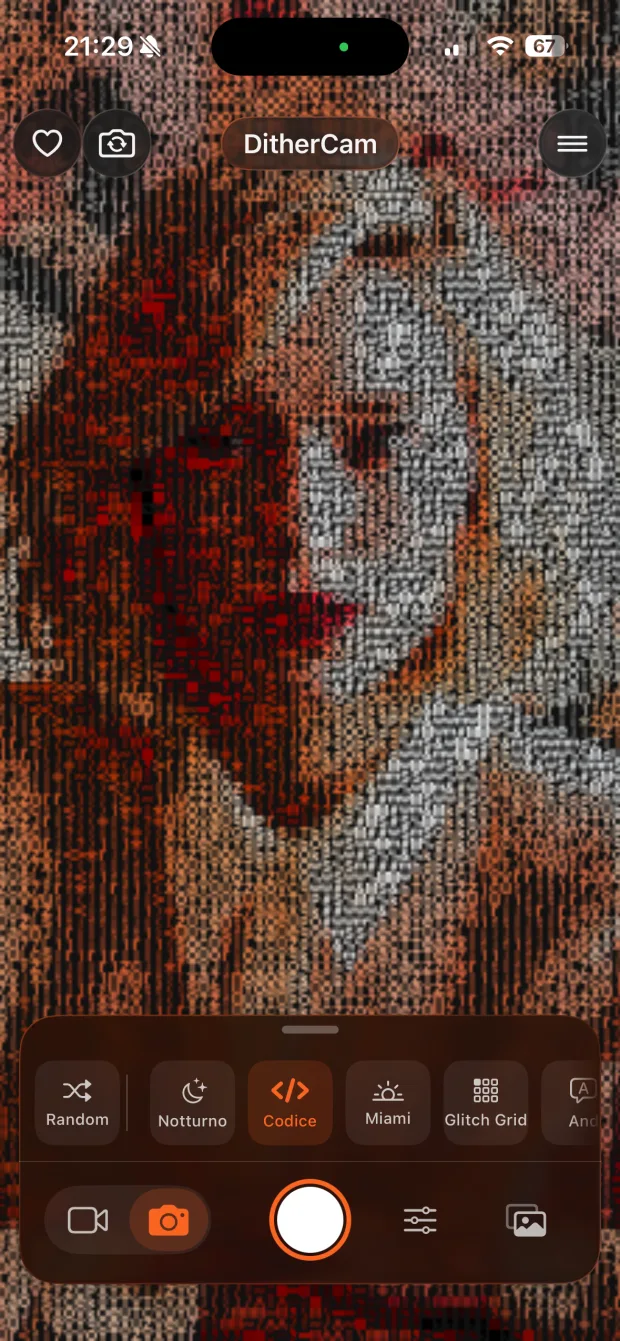
Point
- Open the app
- Aim at anything
- Front or back camera
- Or import a photo or video from your library
Real-Time Camera Effects
Your camera, redrawn live — into art.
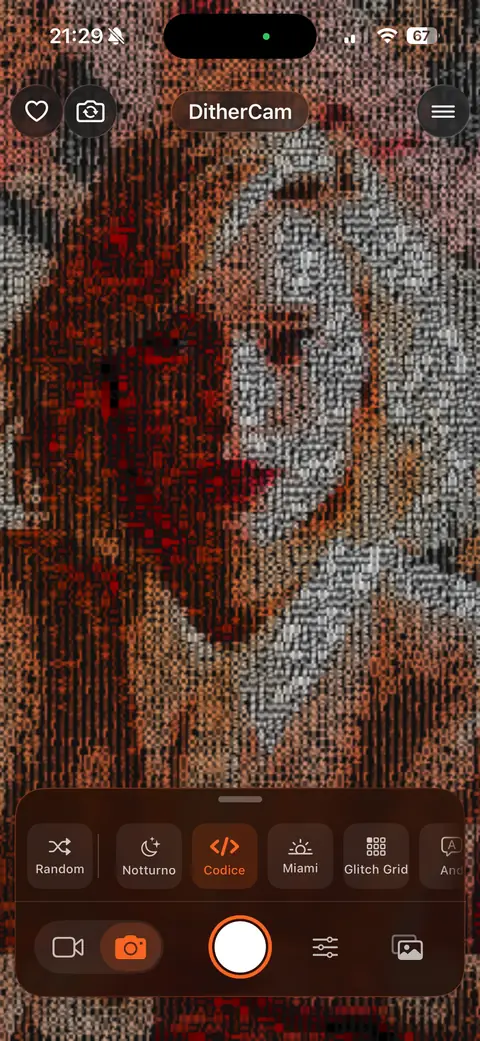
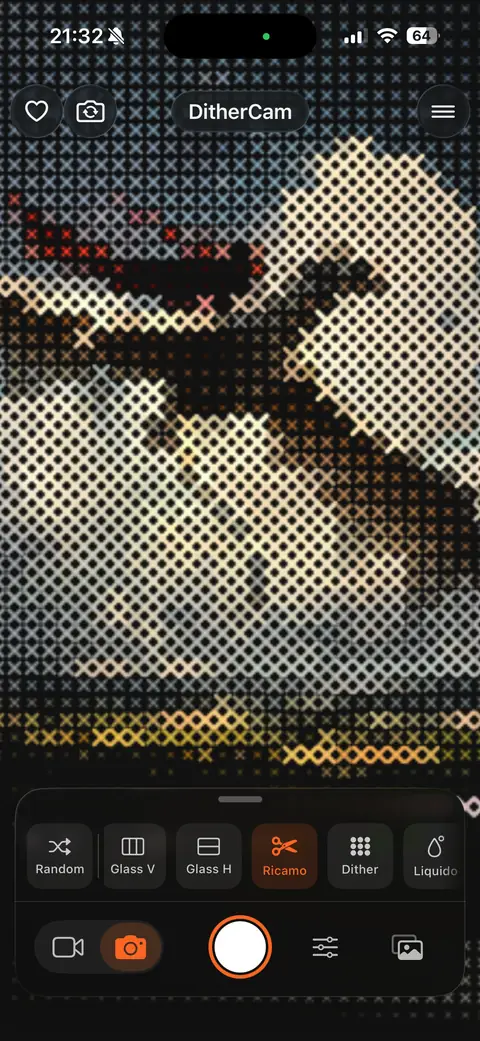
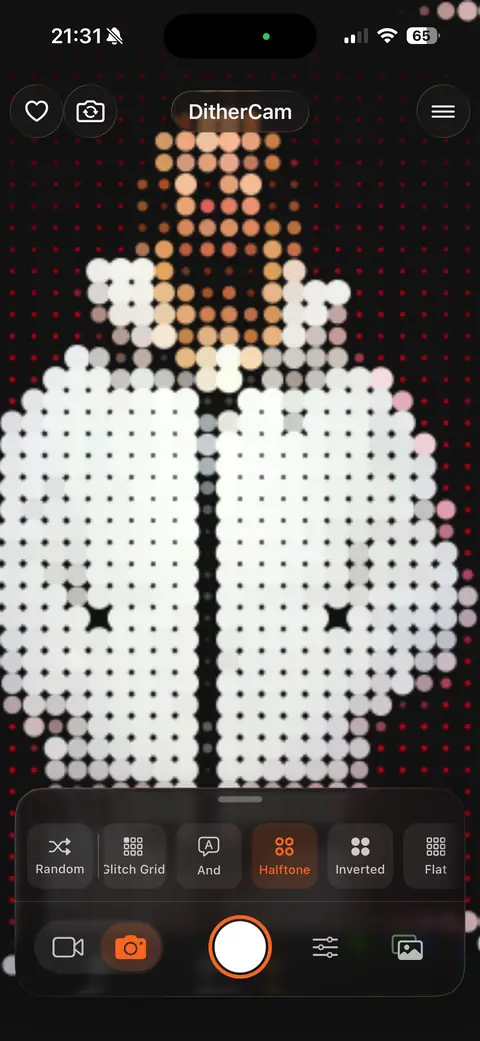
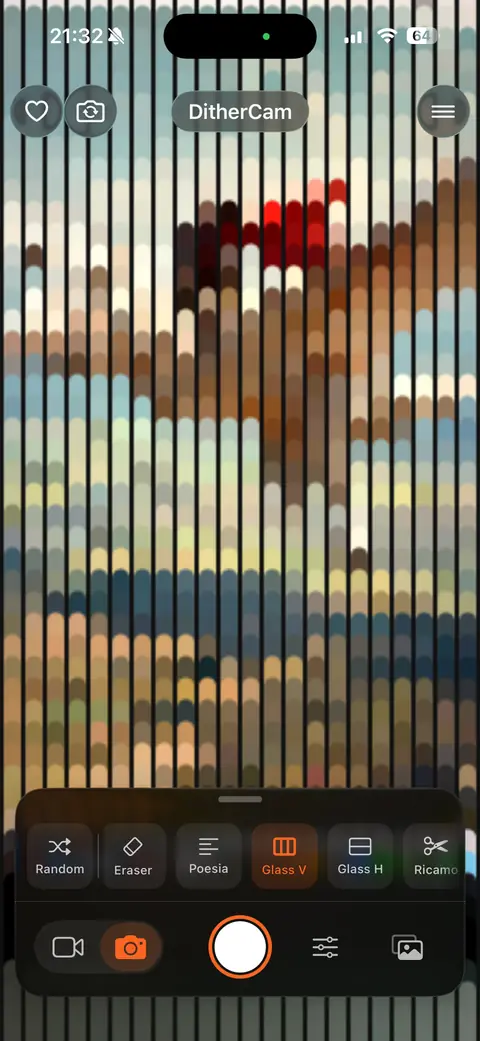
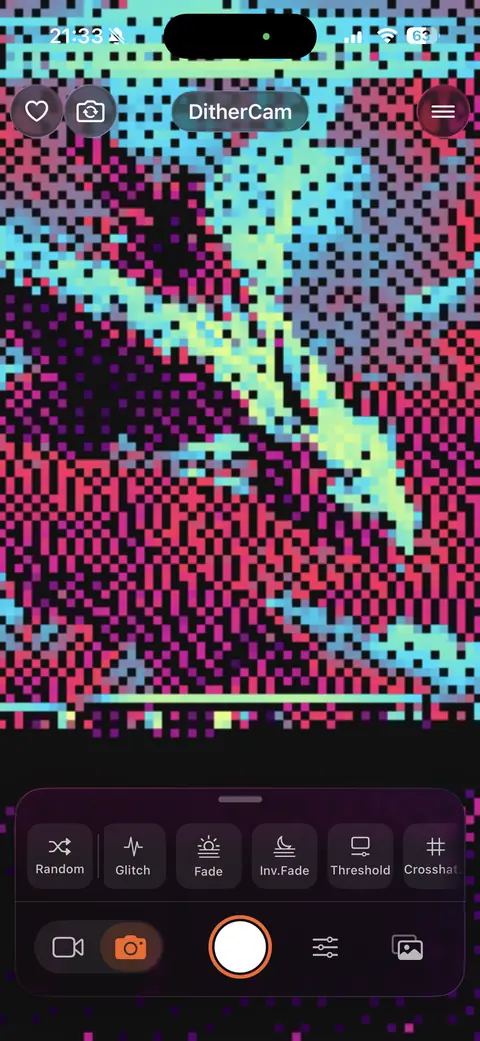
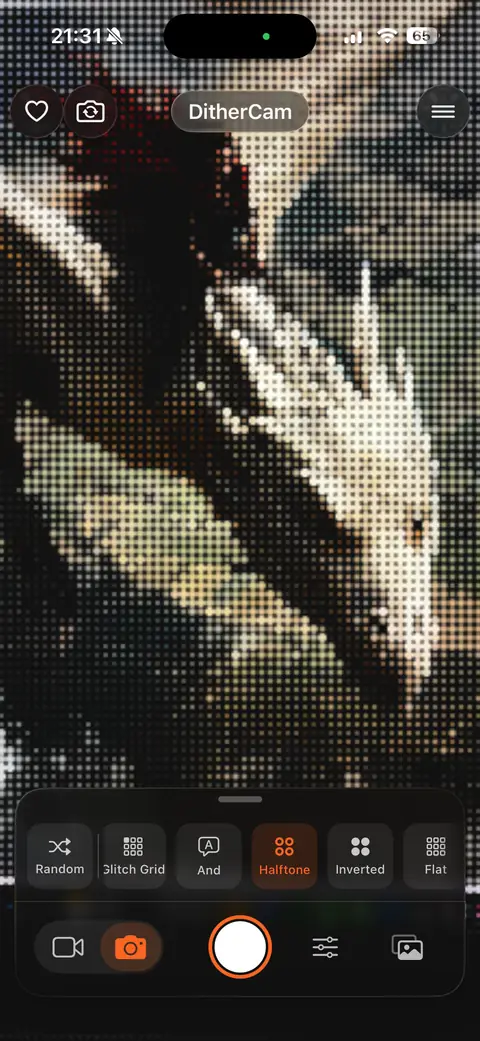
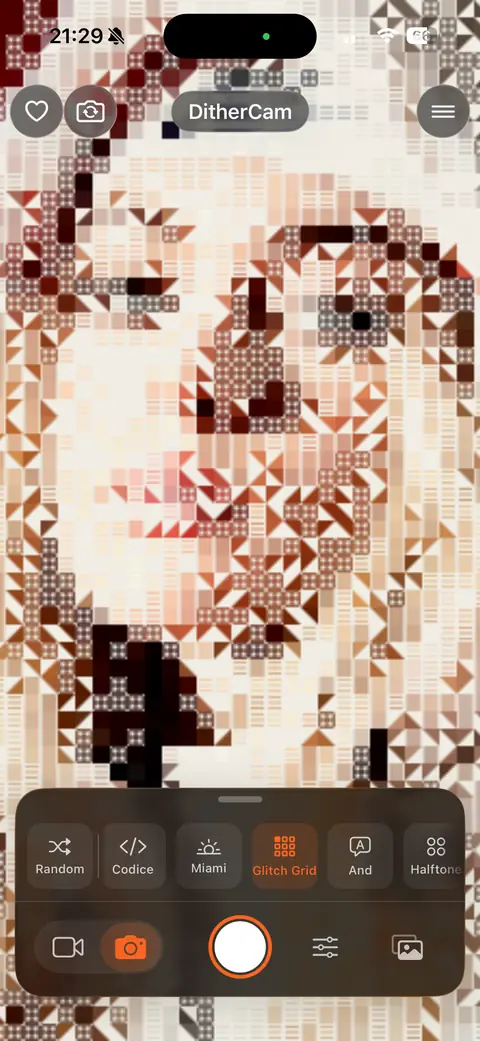
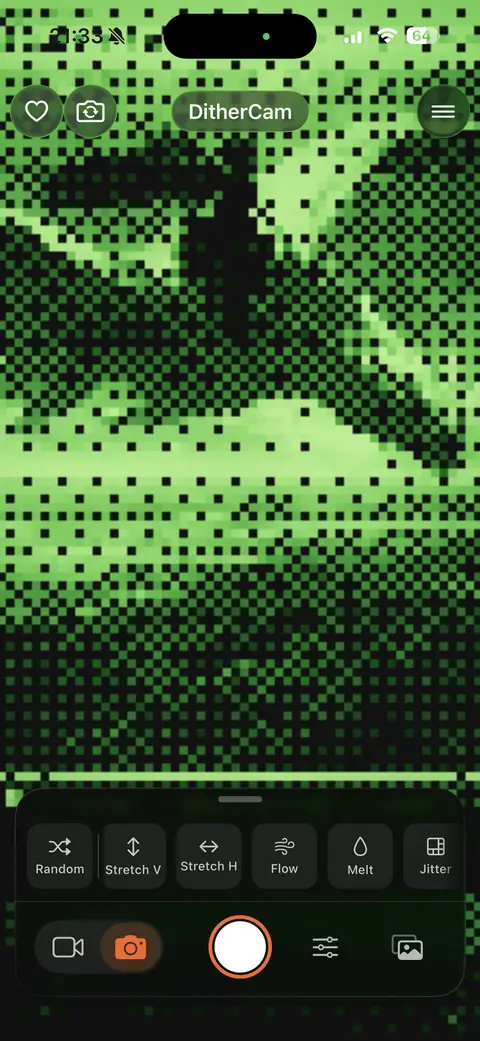
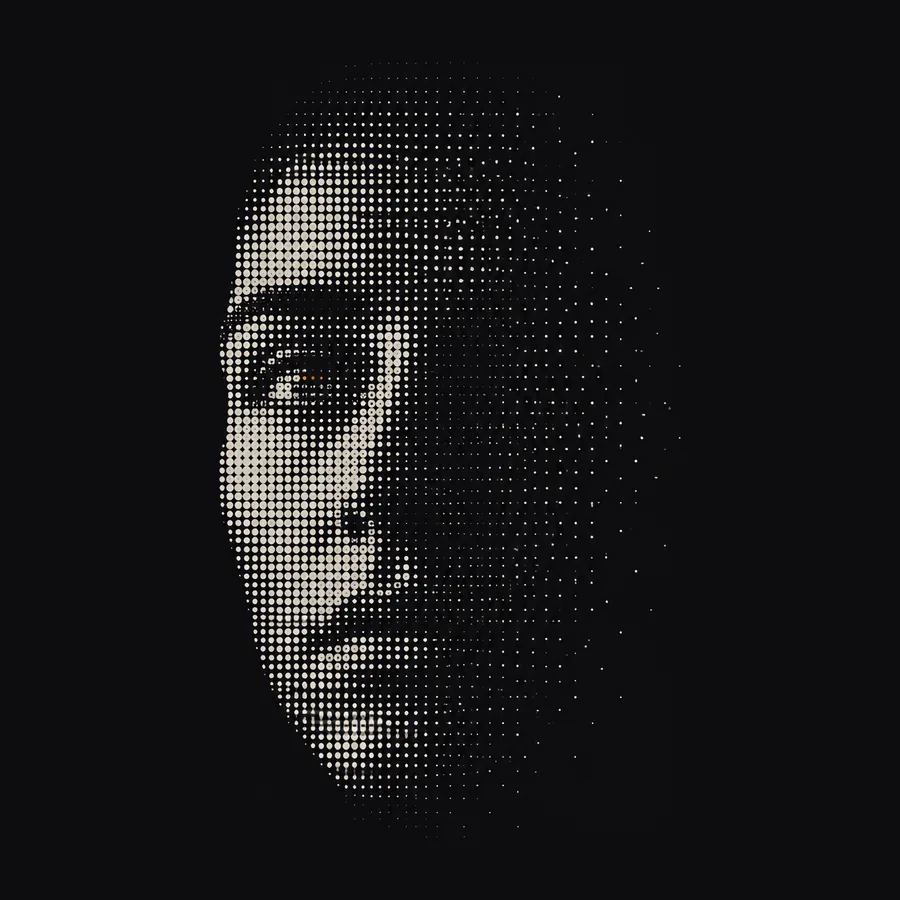
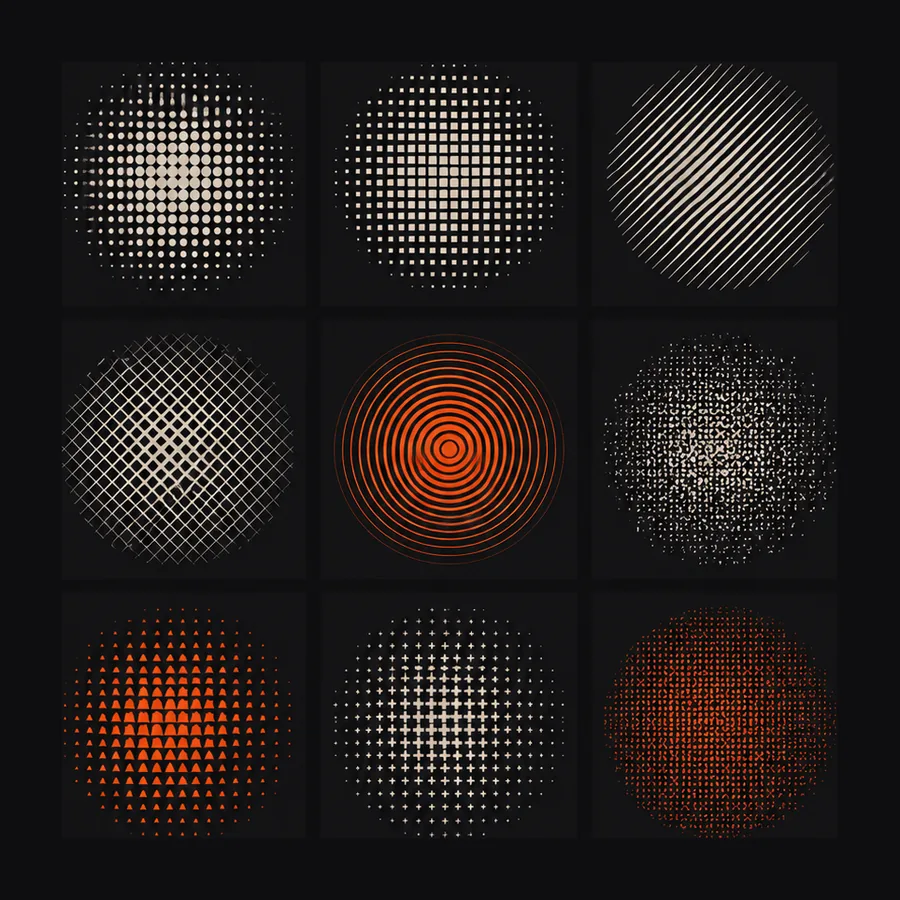
Every frame turned into dithered, pixel or ASCII art in real time — the techniques printers used before screens had color. No editing, no waiting.
How it works
No editing, no waiting. Every effect renders live — on the viewfinder, on the photo you just took, or on anything already in your library.
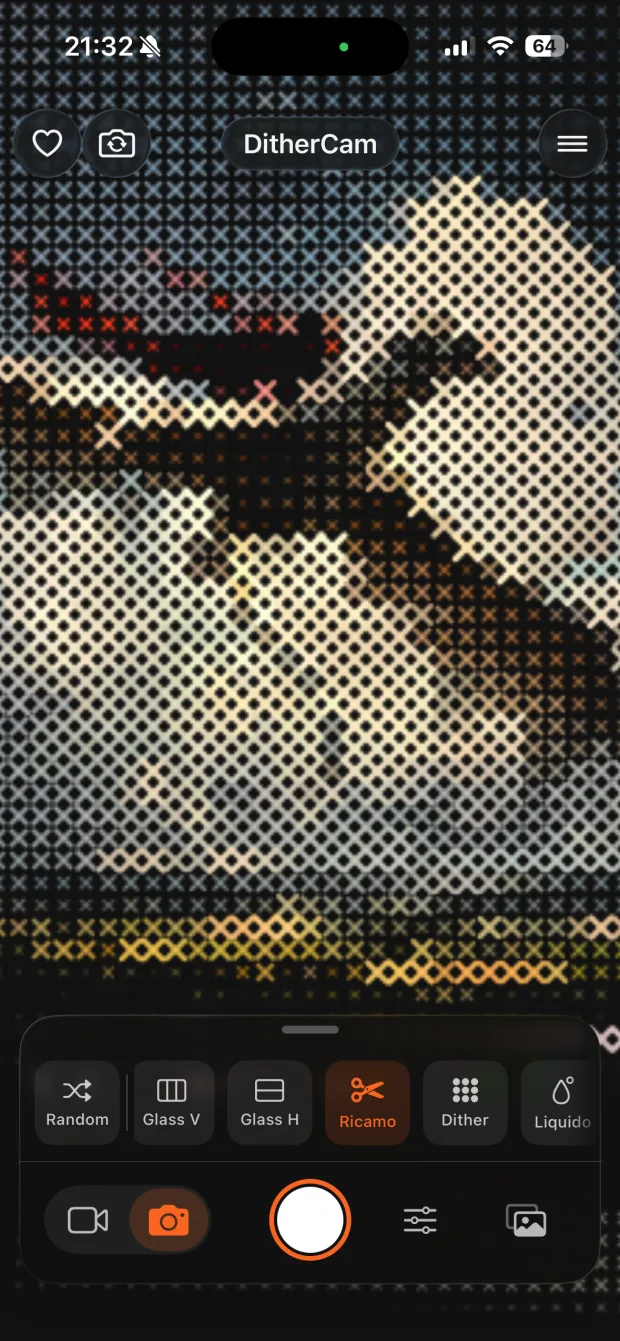
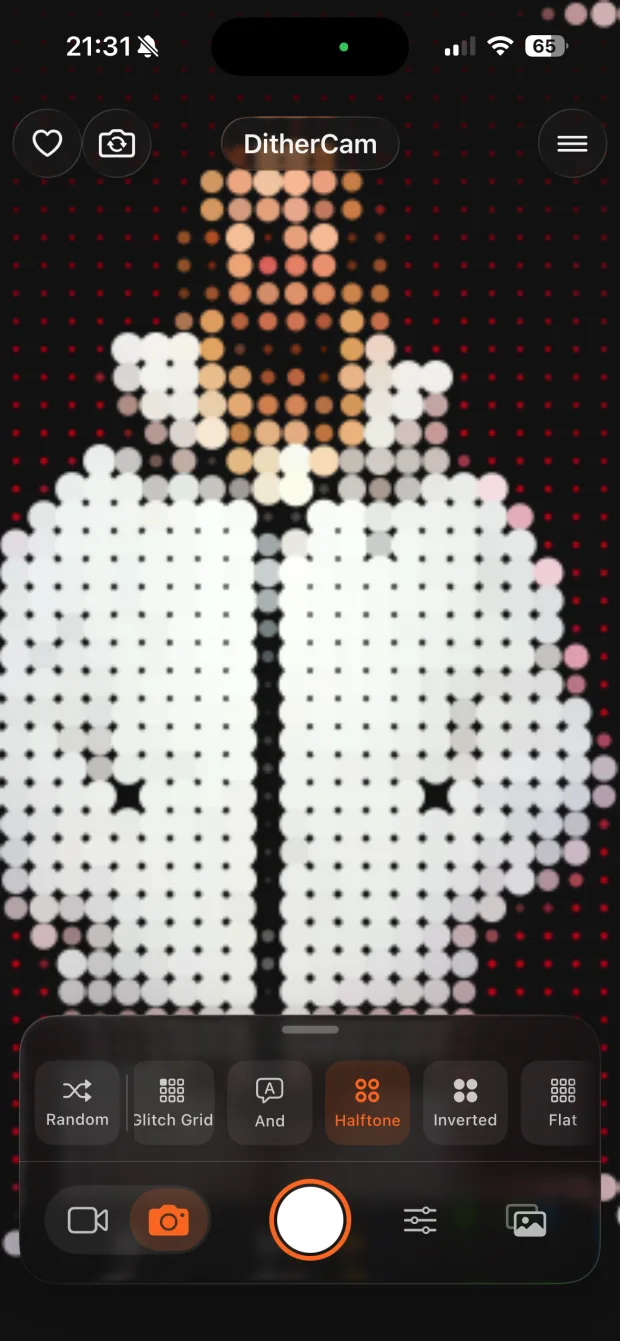
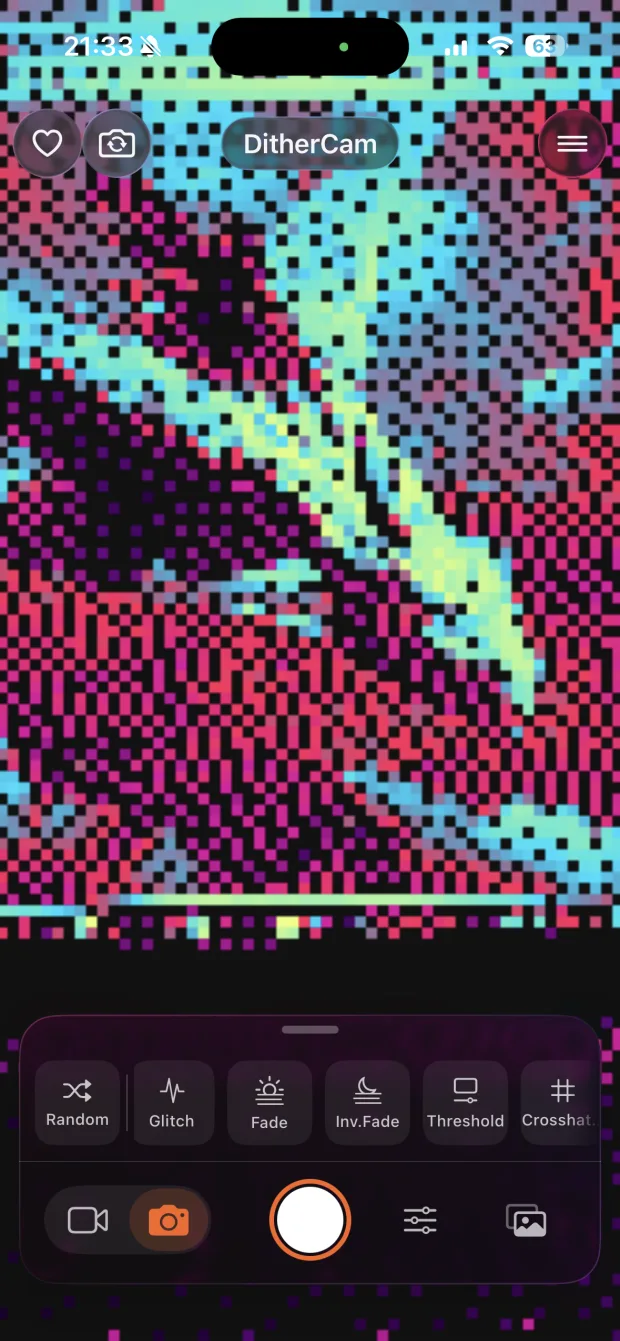
Toolkit
Specs
Hi, this is DitherCam.
DitherCam turns your iPhone camera into a real-time dither, halftone and ASCII art generator — every frame redrawn live, cell by cell. A native iOS app built with SwiftUI by Stefano Fois (KRDESIGN).
FAQ
No. There is no sign-up, no email, no password and no account of any kind. You open the app and start shooting.
No. Camera frames and the photos and videos you import are processed on your device and never leave it. Nothing you shoot is sent to a server: there is nowhere for it to go. What you shoot stays in your hands.
No analytics, no advertising SDKs, no advertising or device identifiers. The app integrates no third-party services at all, so there is nothing collecting your behavior in the background.
Because the effects need something to draw. The camera feeds the live viewfinder, photo library access lets you import an existing photo or video, and write access is used only in the moment you tap Save. Every one of them is used on your device and nowhere else.
Yes. All 26 algorithms run on your device, so shooting, tuning and saving work in airplane mode. iCloud syncs what you set up — your palettes and custom effects, your favorites, the theme and the language — across your own devices. Your photos and videos are never part of it.
None. No subscription, no in-app purchase, no paywalled effect, no account system. Every algorithm, shape, palette and Post FX is there from the first launch.
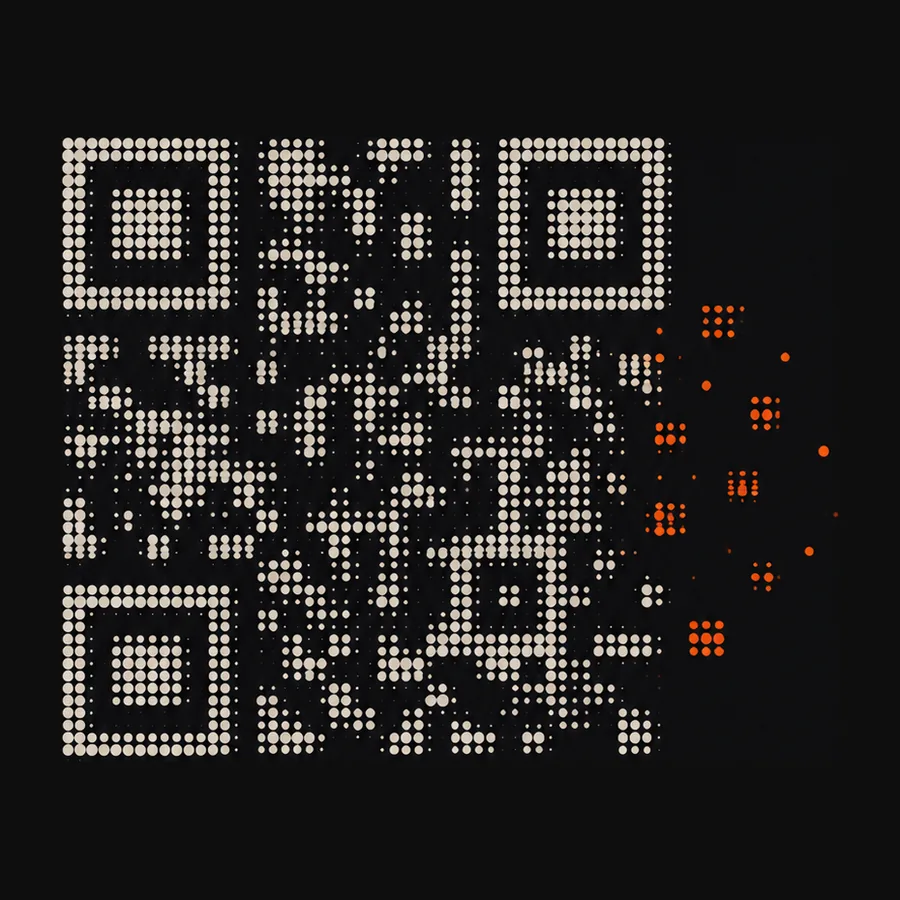
A preset is a short text code, also shown as a QR you can point a camera at. It travels as plain text through whatever app you like — no server, no account, no upload — and it carries only effect settings: never a photo, never anything about you.
Achievements
Goals that unlock as you use the app, starting with the first shot. They are counted on your phone and seen by nobody else — there is no leaderboard, and nothing to compete for.
 First shot
 A hundred photos
 The whole catalogue
 Seven days
Roadmap
A rework of the interface: the same controls, closer to your thumb. The effects — and everything you have already shot — stay as they are.
A native Android version, so the effects stop being tied to one platform.
New algorithms and shape stamps arrive with updates. Twenty-six modes is where this starts, not where it stops.
Download
DitherCam is free, with no ads and no account. Buy me a coffee